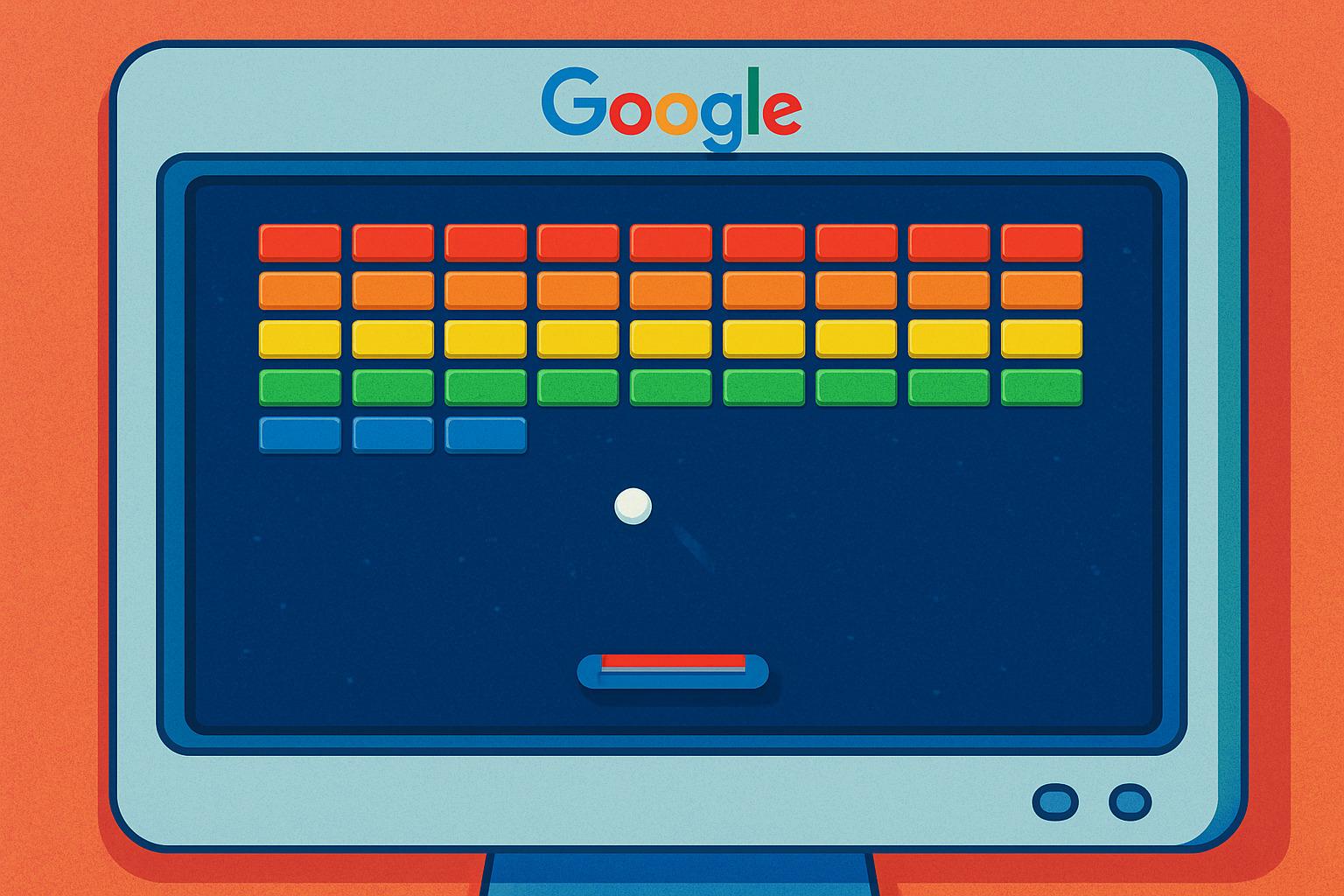

Type “block breaker” into Google and something unexpected happens: instead of just search results, you get a game card sitting right at the top of the page. Tap play, and you’re dropped into a full-screen version of Breakout — the decades-old arcade classic where a ball, a paddle, and a wall of bricks are the entire game.
It’s easy to miss if you weren’t looking for it. Google buries a handful of playable games inside Search — Pac-Man, Minesweeper, a dinosaur runner — and Block Breaker is one of the newer additions to that lineup. Here’s what it actually is, how to load it, and how to get past the levels where most people quit.
What Google Block Breaker Actually Is
Block Breaker is Google’s own take on Breakout, the Atari game from the 1970s that later inspired Arkanoid and hundreds of brick-breaking clones. Google’s version keeps the core idea untouched — bounce a ball off a paddle to smash rows of blocks — but wraps it in the company’s own visual style. The bricks are arranged in Google’s brand colors, and instead of a plain wall of identical blocks, you’ll run into bricks that take multiple hits, indestructible blocks that never break, and bricks that drop power-ups when destroyed.
It’s not a mobile app and it’s not something you download. It runs entirely inside your browser, on desktop or phone, the moment the search card loads.
How to Load It
There’s no special URL to remember and no settings to change. The whole point is that it’s built directly into Search:
- Open Google in any browser — Chrome, Safari, Firefox, all work fine.
- Search “block breaker” or “google block breaker.”
- A game card will appear near the top of the results, above the usual links.
- Tap or click the play button inside the card to load the fullscreen game.
If nothing shows up, it’s usually a regional or device rollout issue rather than something wrong on your end — try switching between mobile and desktop search, or clearing the search and typing the query again.
Controls and the Basics
Once it loads, you’ll see a small animation before you’re dropped into level one. From there:
- Move the paddle with your arrow keys on desktop, or by dragging your finger/mouse along the bottom of the screen on mobile.
- You start with three lives. Every time the ball drops past your paddle, you lose one. Lose all three and it’s game over.
- Clear every breakable block to finish the level. Indestructible blocks (usually a distinct color or texture) don’t count — you can ignore those.
- Each new level adds more rows and speeds the ball up slightly, so the game gets harder gradually rather than all at once.
The one mechanic worth learning early: where the ball hits your paddle changes its angle. Hit it near the edge of the paddle and it flies off at a sharp angle; hit it near the center and it goes almost straight up. Once that clicks, you can start aiming the ball at specific bricks instead of just keeping it alive.
Power-Ups Worth Knowing
Some bricks drop extras when destroyed. They’re random, so you can’t force them, but it’s worth catching them when they appear:
- Wider paddle — makes it noticeably easier to keep the ball in play.
- Extra balls — splits your single ball into multiple, clearing bricks faster but making the board harder to track.
- TNT / explosive blocks — take out a cluster of surrounding bricks in one hit.
- Extra lives — rare, but worth prioritizing if you see one falling near your paddle.
Not every drop is good for you — some versions include downgrades mixed in with the useful ones, so don’t just chase everything that falls without checking what it does first.
Tips for the Later Levels
The early rounds are mostly about getting comfortable with the paddle. Later levels are where people start losing lives fast, usually for the same few reasons:
- Stop chasing the ball. Once you’re comfortable with the angle mechanic, position your paddle ahead of where the ball is going, not where it currently is.
- Watch the indestructible blocks. They’re not random obstacles — they often funnel the ball toward gaps you’re meant to use.
- Don’t panic when multiple balls are active. Focus on keeping at least one alive rather than trying to track all of them equally.
- Take the center hits when precision matters. A straight shot is more predictable than an angled one when you’re trying to clear a tight cluster.
Why It’s in Search At All
Google has quietly built a small library of playable Easter eggs into Search over the years — the offline dinosaur game when your connection drops, a built-in Minesweeper board, a Pac-Man version you can load directly from a search. Block Breaker fits the same pattern: a fully playable, no-download game that exists purely as a browser-based diversion, discoverable only if you happen to search for it.
If you’ve exhausted this one, the same game card usually links out to a short carousel of Google’s other built-in games — worth a look if brick-breaking eventually gets old.
Read More: https://stepmagazine.online/
